
The Tiranga Game APK is the Android installation file; Tiranga Game login is the account sign-in step after opening the app. Already have the app? Go straight to the login steps. Need to install or update it? Start with the APK page.
How to log in to Tiranga Game
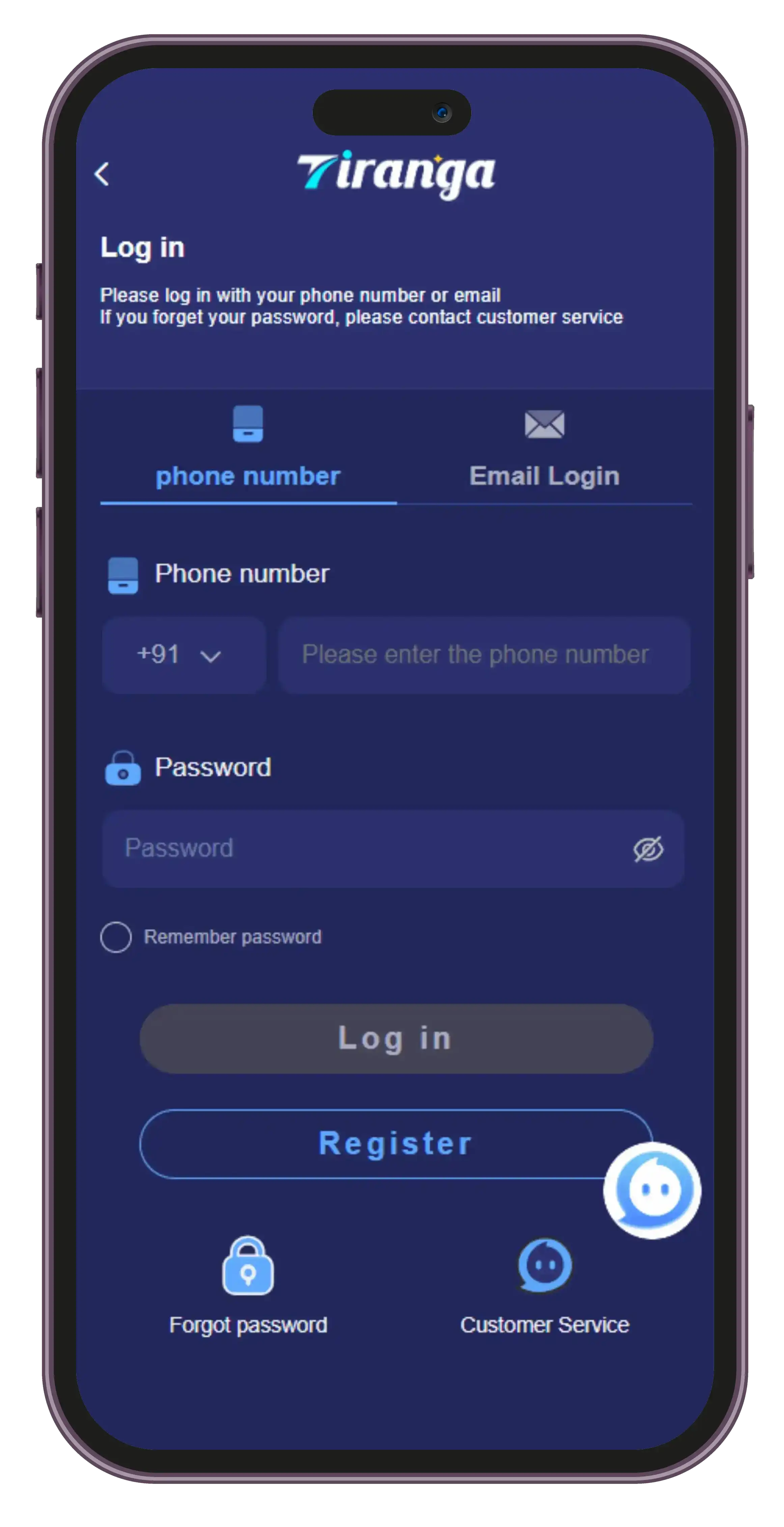
The reference screen above shows phone and email login tabs. Available options may differ by app version or service. Use the method you originally registered with.
- Open the app you recognise.Check the app’s source before entering account details. This guide does not operate a login service or confirm ownership of the pictured app.
- Choose the matching login method.For a phone account, use your registered number and check the displayed country code. Use email only if your account and the login screen support it.
- Enter your password in the app.If a verification step appears, complete it there. Never send a password or one-time code to someone offering to sign in for you.
- Check that it is your account.Review the user ID and account history you recognise. An unexpected empty account is a reason to check the login method and service, not to make another payment.
Need the APK before you can log in?
Visit the download page, review the destination and then follow the Android installation instructions. The same page explains update checks and what to do when Android says “App not installed.”
Download, install, then log in.
Keep the APK link and setup instructions together.
Tiranga Game login not working?
- Wrong password: check typing and your selected login method. If the app offers password recovery, follow that process using the contact details tied to the account.
- Verification code not received: confirm the number or email, check reception or spam folders, and follow any resend timer shown. A new APK does not guarantee delivery of a code.
- App keeps loading: check your connection, close and reopen the app, then review the APK update guidance. An outage may need to be resolved by the service.
- Account not found: check the original service and registration method. Similar names and logos do not mean two apps share accounts.
More help after login
Use the invite-code guide if a registration screen asks for a referral. For account payments, read withdrawal and transaction help; reinstalling an APK does not release a pending payment.
Before using any real-money features, read the source checks and India legal information. The Win Go rules and probability examples explain why a payout multiplier is not a promise of profit.
Frequently asked questions
Where can I download the Tiranga Game APK?
Open the APK download section for the current link status. The download button opens an external app page in a new tab. Check the app and publisher at the destination; this guide does not host or verify an APK file.
Can I log in to Tiranga Game on this website?
No. This website explains the steps; it does not provide an account login form. Enter credentials only in the app or service whose source you have independently confirmed.
Do I need a new account after installing or updating the APK?
Try the login method used for your existing account first. Installing a file does not establish that an account has moved to a different service. Do not create another account just because a similar-looking app rejects your login.
Can I install the Tiranga APK on an iPhone?
No. APK is an Android package format and cannot be installed on iOS. An iPhone app or website would need a separately confirmed destination; this guide does not list one.
Does the login screenshot prove that an APK is original?
No. The public screenshot is an interface reference. Logos and screens can be copied, so they do not establish who published a file or whether it has been modified.